Vekord
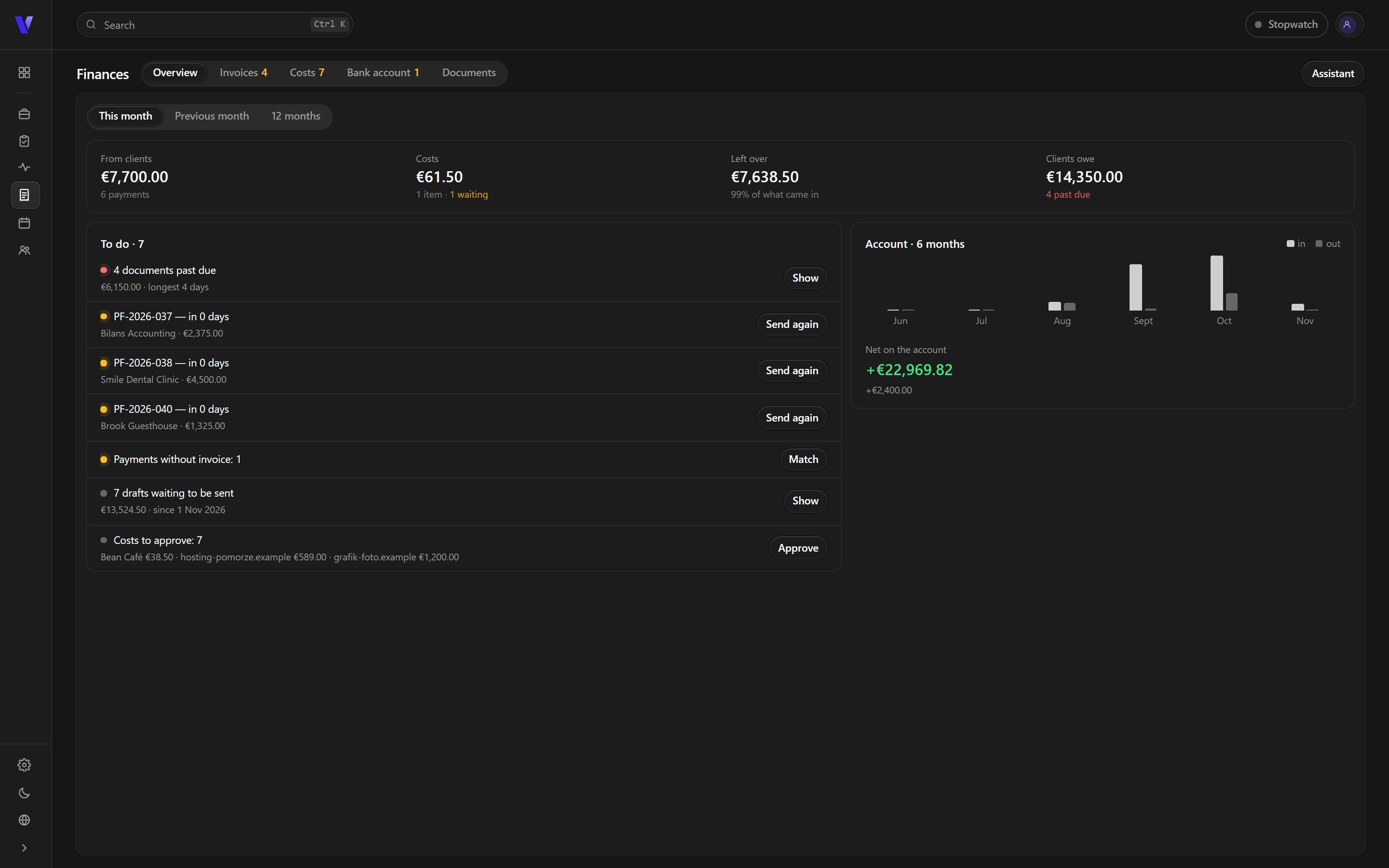
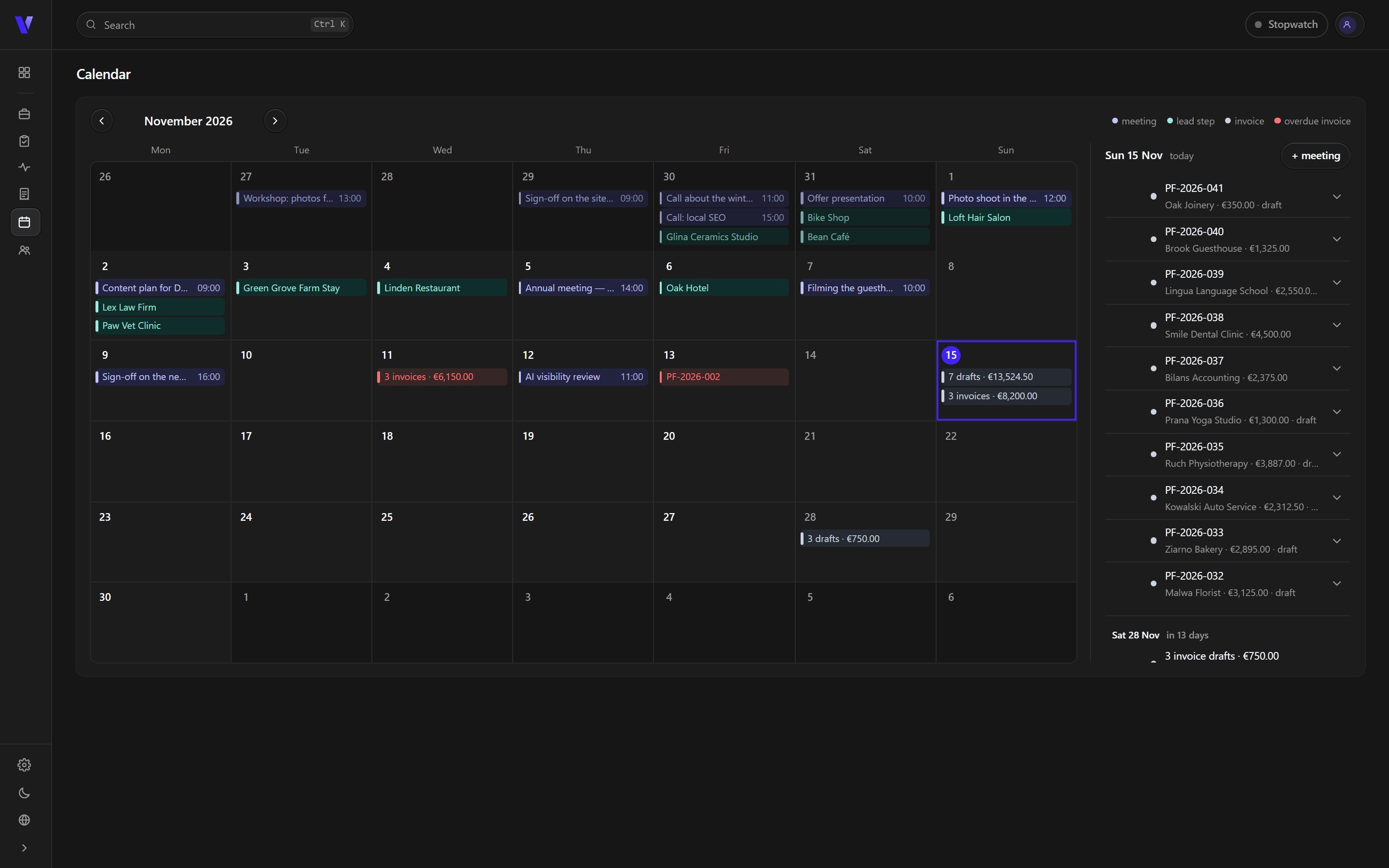
An operating panel for web agencies: client sites, work, finances and the calendar in one place. We designed the product itself, so the screens below come from inside the app.
The clients, amounts and people on these screens are invented demonstration data.
- Scope
- product design, build
- Views
- dashboard, clients, work, channels, finances, calendar, team
- Themes
- dark, light
Colour
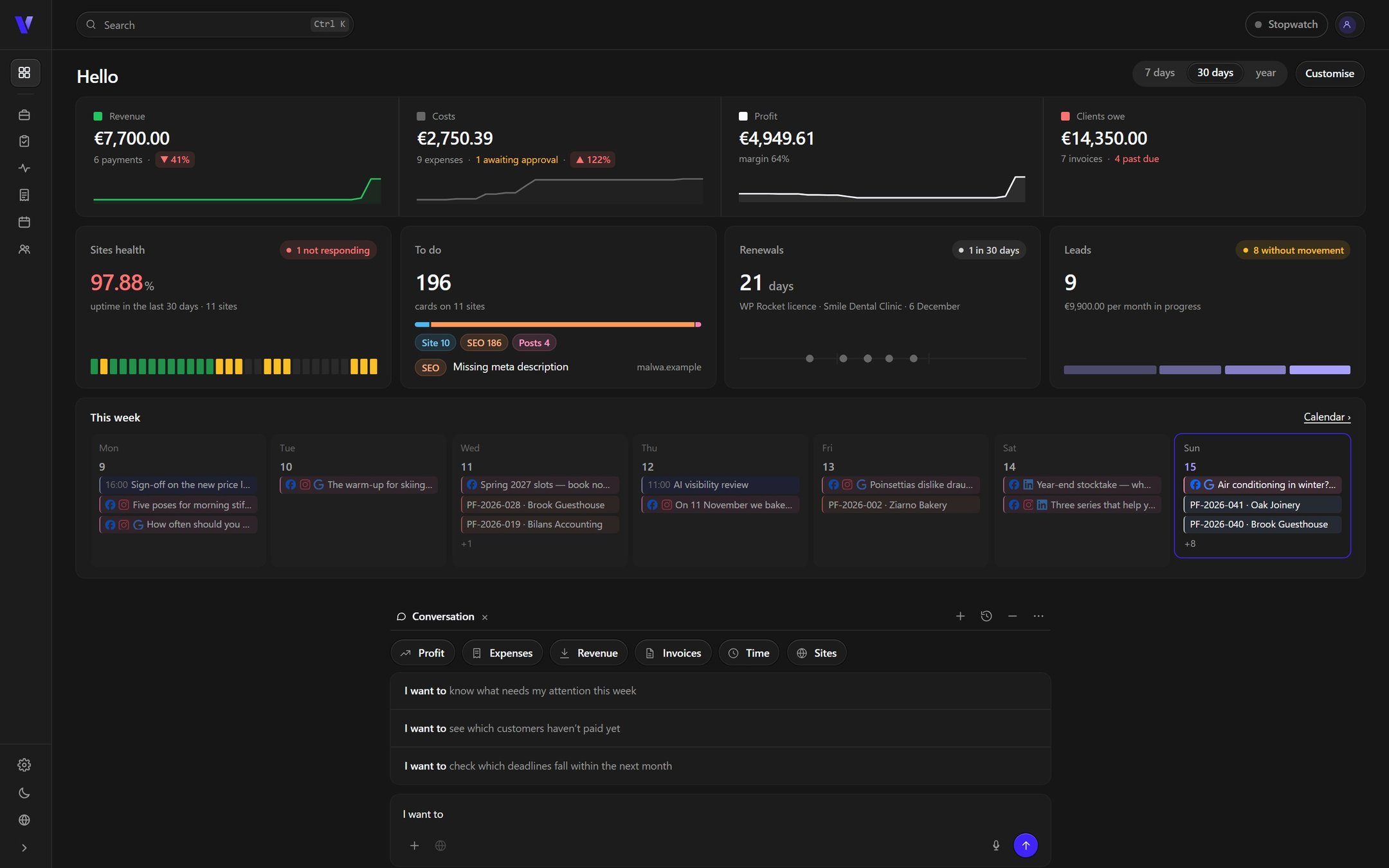
Near-black surfaces in three steps, one violet for the brand, and colour kept for status.
Ground#161616
Card#1C1C1C
Border#2A2A2A
Text#F9FBFF
Violet#4124FB
Green#22C55E
Type
Geist for the interface, Geist Mono for numbers that have to line up.
Geist
Unpaid · €13,250.00
Geist 400Geist 600Geist Mono 400
Views
On the phone
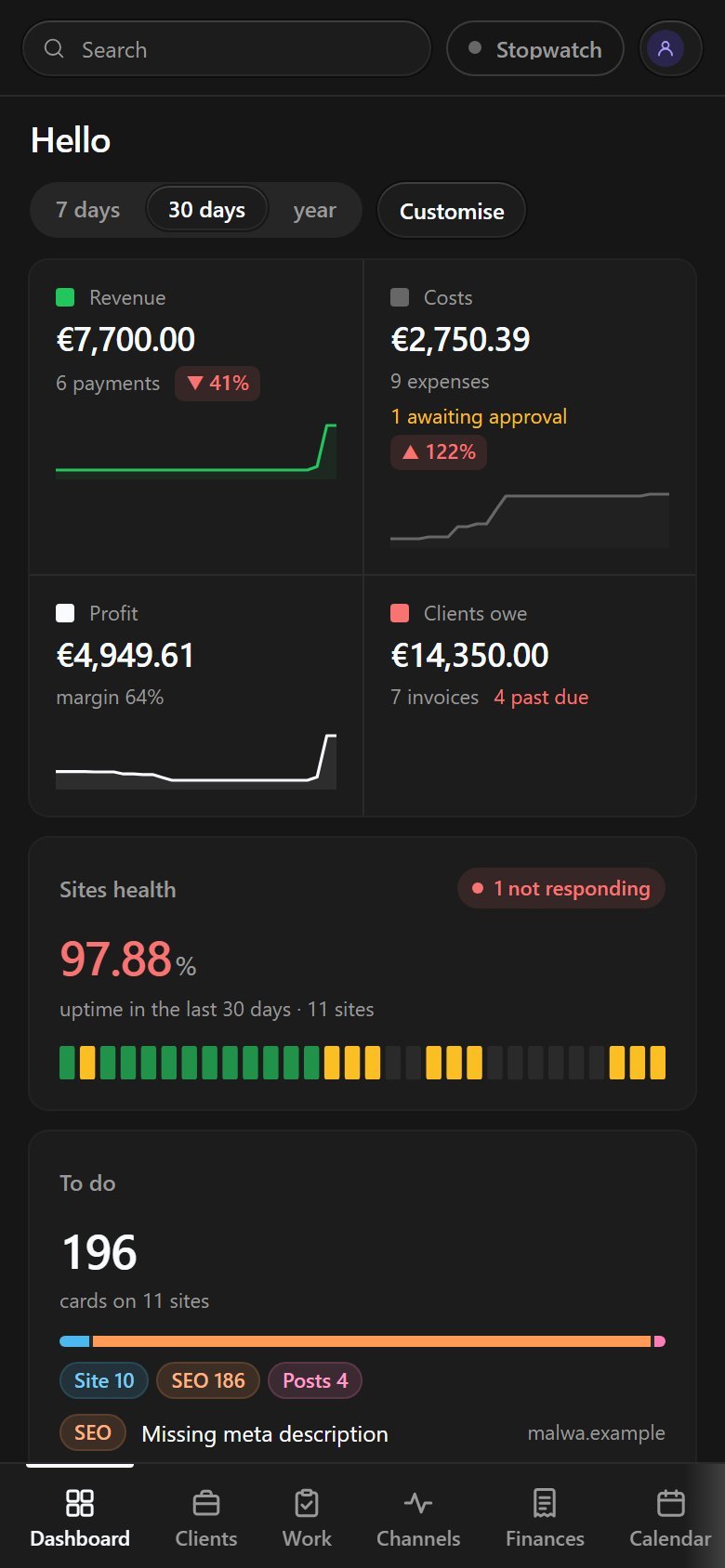
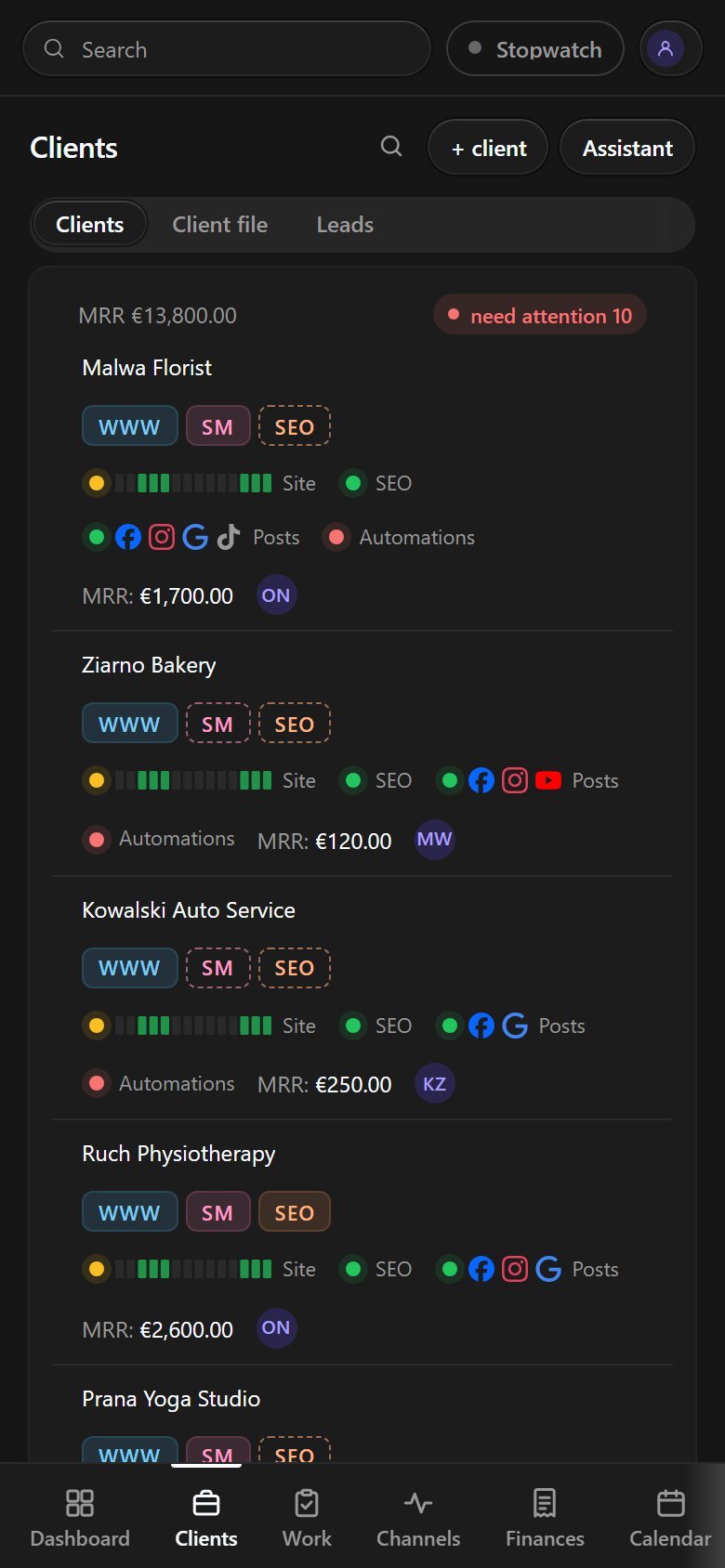
The same screens at 390 pixels wide.
Decisions
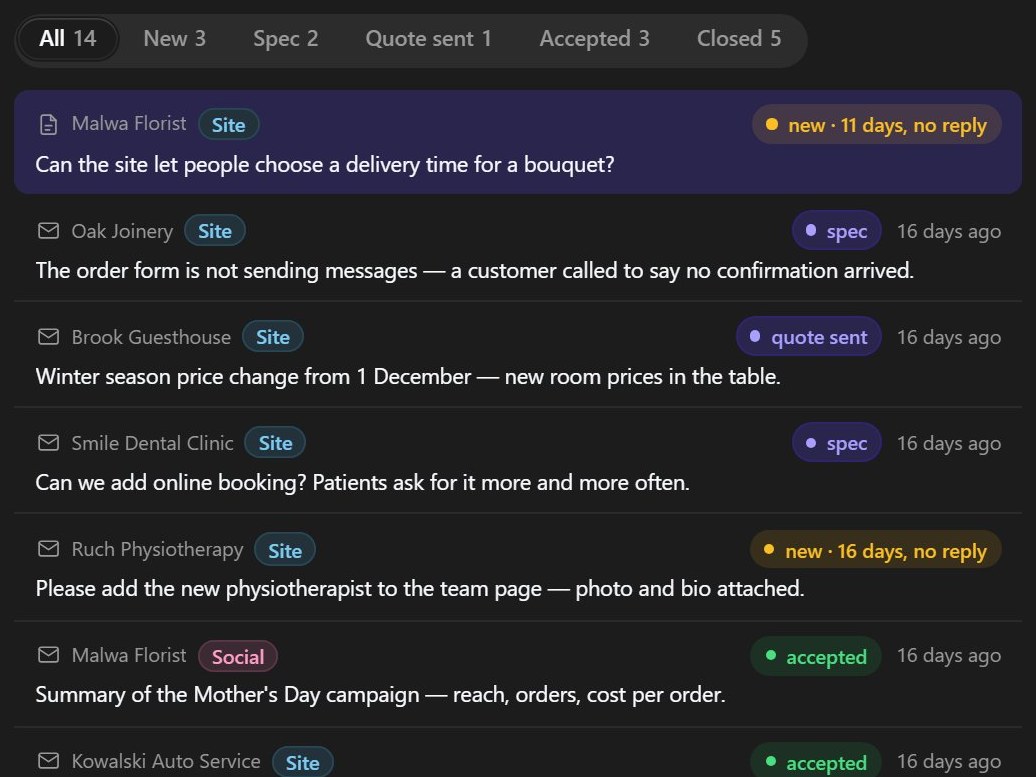
What needs attention comes first
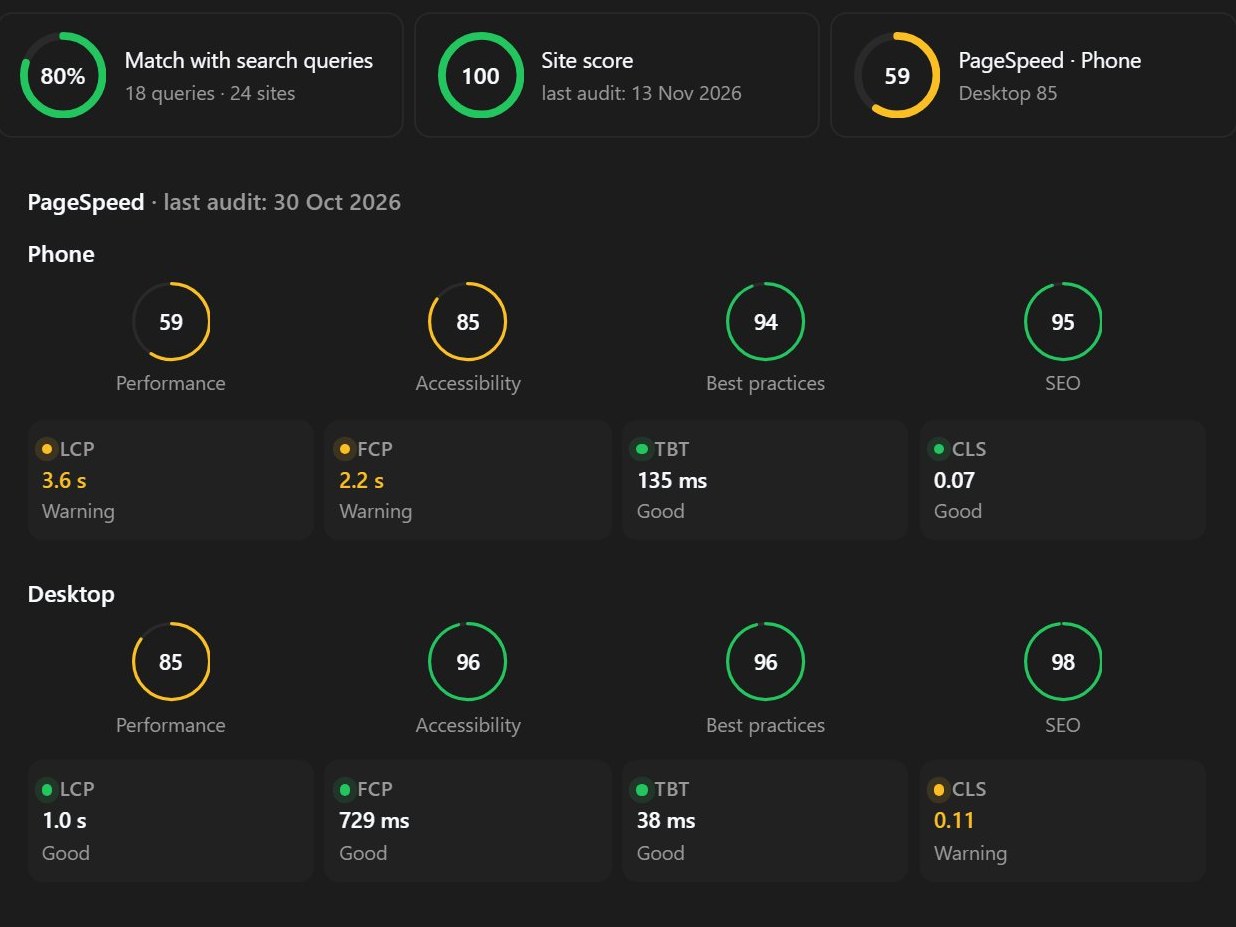
Each view opens on what is late or broken: past-due invoices, a site that is down, urgent clients.
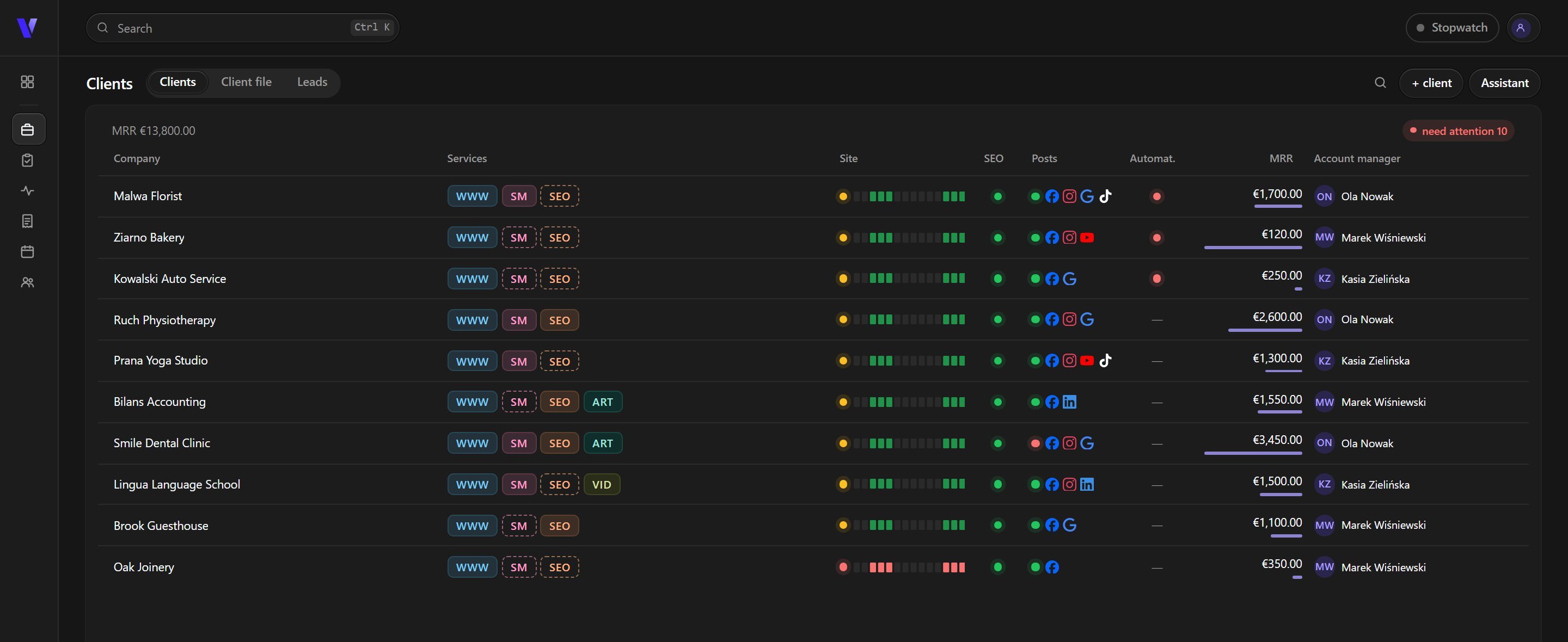
One row, one client
Services, revenue, owner and status sit on a single line, so a list of ten reads at a glance.
Colour only for status
The interface is grey. Red, amber and green appear only where something has a state.